
Introduction
We make TeliportMe, so read this guide with that in mind. TeliportMe suits agents and teams who want to scale their real estate marketing; Matterport suits luxury listings, and CloudPano suits remote showings and custom branding. Each platform lets buyers walk through a home before the first visit.
This guide compares virtual tour software for real estate agents in 2026. You will see how each platform handles tour quality, branding, integrations, and pricing.
The sections that follow compare nine tools, and show how to match them to your business. Keep reading to pick one platform you can rely on all year.
Key Takeaways
Key takeaways from this guide give you a fast overview before you study each platform. Use them as a checklist while you read.
Virtual tours let buyers walk through a home before they book a showing. More visibility usually leads to more qualified showings and stronger offers.
Hardware agnostic platforms often give the best value. You can pair any affordable 360 camera or even a phone with them. That choice keeps your setup flexible as gear improves.
TeliportMe stands out for scalable, enterprise‑grade real estate marketing. It supports up to 32K resolution and unlimited tours on active plans. Agencies and teams can add subaccounts and even resell services.
Pricing models vary widely across virtual tour software for real estate agents. Some charge per tour while others use flat monthly plans. Your listing volume should guide which cost structure makes sense.
The right platform always depends on agent profile and use case. Solo agents, brokerages, vacation rentals, and PropTech builders need different feature sets. Matching your workflow to the tool matters more than brand name or buzz.
Pro Tip: Test at least two virtual tour software platforms on the same listing so you can compare image quality, load speed, and workflow under real‑world conditions.
Virtual Tour Software Platforms for Real Estate Agents, Compared

Each platform below suits a different kind of agent: TeliportMe for scalable real estate marketing, Matterport for luxury listings and CloudPano for remote showings, with more options after them. Every platform on this list combine strong visuals, simple creation flows, and smart sharing to help you present properties in a way photos alone cannot. The differences sit in cost, hardware needs, branding control, and how well they scale.
For this breakdown, the focus stays on real estate first. That means fast‑loading tours, MLS‑friendly embeds, strong mobile support, and analytics that help you talk with buyers and sellers. Hardware agnostic platforms often win here because they support many cameras and avoid lock‑in to one vendor.
The list also reflects public data from providers like Matterport, CloudPano, and TeliportMe plus industry research from the National Association of Realtors. Before we study each one, here is a quick snapshot.
Platform | Suits | Free Plan | Hardware Notes |
|---|---|---|---|
TeliportMe | Scalable real estate and agency workflows | Free trial (1 tour) | Any 360 camera or smartphone |
Matterport | Luxury and high‑end commercial listings | Yes: 1 space | Phones, listed 360 cameras or its Pro scanners |
CloudPano | Remote showings and custom branding | Creates tours, can’t publish | Any 360 camera or mobile app |
Zillow 3D Home | Zillow‑first listing strategy | Yes | Smartphone based |
Ricoh 360 Tours | Photo quality in tough lighting | No | Ideal with Ricoh Theta cameras |
Panoee | Unlimited free projects on a budget | Yes | Any 360 camera |
Kuula, Eyespy360, iStaging | Niche or entry‑level needs | Yes or Trial | Mixed, often browser or mobile based |
Now we will walk through each option so you can see where it shines and where it falls short.
1. TeliportMe — For Scalable Real Estate Marketing
TeliportMe is a cloud‑based 360 and VR platform built with real estate, rentals, and hospitality in mind. It accepts panoramas from any common 360 camera or even a smartphone, so you do not have to buy proprietary gear. For many readers who search for the best virtual tour software for real estate agents, this flexibility matters.
Inside the editor you can stitch scenes, add hotspots, attach audio, and layer in videos, floor plans, and map views. Support for image resolutions up to 32K creates crisp tours that still load quickly thanks to smart tiling on the back end.
TeliportMe also focuses on real business data instead of vanity metrics. On Business and Unlimited, built-in, GDPR-compliant analytics show visitors, exit points and loading, so you can show sellers how their tour is doing.
Live Avatar puts a live presenter or agent into a scene, which helps relocation clients who can’t attend in person.
White‑label features and custom domains keep the TeliportMe brand in the background and your logo front and center. That matters for brokerages, property managers, and marketing agencies that want a consistent look. It also avoids confusion when leads share tours with friends.
Unlimited tour hosting on active plans means you can keep old tours live for case studies and presentations. Agency subaccounts and a reseller program turn those skills into new revenue, since you can offer packaged virtual tour services to other local businesses.
In a G2 review, founder Edwyn A. says TeliportMe covers every essential feature you’d expect for showing any kind of physical place. That mix of quality, flexibility, and scale is why it sits at the top of this list.
Every tour has an unbranded MLS link, and tour links work on Zillow and Realtor.com listings. Only your brand shows on every plan, and custom domains come with Business and Unlimited. The free trial is one tour with every feature, private until you subscribe; plans start at $19 a month billed yearly.
2. Matterport — For Luxury Listings
Matterport is one of the longest‑running names in virtual tours and remains the reference point for many luxury agents. Its tours show extremely smooth movement and a polished look that high‑end sellers often expect. When paired with Pro series cameras, the platform also produces a 3D model of the space that gives buyers a strong sense of layout.
Core features include the dollhouse overview, floor selector for multi‑level properties, detailed measurement tools, and clickable Mattertag points that hold text, links, or media. According to technical notes from Matterport, room measurements taken with Pro cameras fall within about 1 percent of reality, which helps buyers plan furniture and renovations.
The tradeoffs are notable:
Matterport branding stays on every tour and cannot be removed on any plan.
All tours live on Matterport servers, so canceling a subscription means access disappears.
For those reasons, Matterport best fits luxury residential and high‑end commercial projects where clients expect a premium experience.
3. CloudPano — For Remote Showings And Custom Branding
CloudPano has grown quickly with real estate agents because it mixes simple tour creation with strong live showing features.
The standout feature is live 360 video chat. You can invite buyers into a tour link and guide them room by room while speaking on video, without asking them to install any app. It works well for couples or decision makers who live in different places.
4. Zillow 3D Home — A Free Option For Zillow Agents
Zillow 3D Home gives agents who focus mainly on Zillow a simple path into virtual tours at no extra software cost. You record panoramas through the Zillow app with a compatible smartphone or 360 camera, then publish them directly onto your listing.
The experience is basic compared to dedicated platforms, but it benefits from native placement inside the Zillow search results and listing pages. Zillow also gives an embed code for your own site, but customization is limited.
For agents who live inside the Zillow platform and want a free starting point, this tool works well. For anyone who needs broad distribution or stronger branding, it should act as a first step, not a long‑term answer.
5. Ricoh 360 Tours — For AI-Assisted Image Quality
Ricoh 360 Tours pairs especially well with Ricoh Theta cameras, which many real estate photographers already use. The key advantage sits in its AI image processing, which cleans up exposure, noise, and color issues across your panoramas. That help matters a lot when you work in rooms with bright windows and dark corners.
After upload, the platform guides you through scene linking and hotspot placement, then hosts the tour for sharing. You can share a link or embed the tour on a site, similar to the other tools here.
For agents or photographers who already rely on Ricoh cameras and want better‑looking tours without heavy editing time, Ricoh 360 Tours fits that need well.
6–8. Additional Platforms Worth Considering
A few other tools round out the picture, even if they target narrower needs. Kuula offers a simple browser‑based editor with a friendly free plan, which many photographers like for quick sharing. Custom domains and client logos come with its Business plan, and it has no dollhouse.
Eyespy360, based in the United Kingdom, sells monthly plans and one-off tours, and a tour can come with a 3D model, a floor plan and live video calls.
iStaging leans toward mobile‑first creation and includes augmented reality furniture placement. Agents who work with staging companies or focus on furnished rentals may like how it helps buyers visualize rooms with different layouts. For most agents who aim to grow volume across regions and channels, platforms like TeliportMe, CloudPano, Panoee, and Matterport will still provide a stronger base.
How To Choose The Right Virtual Tour Software For Your Needs
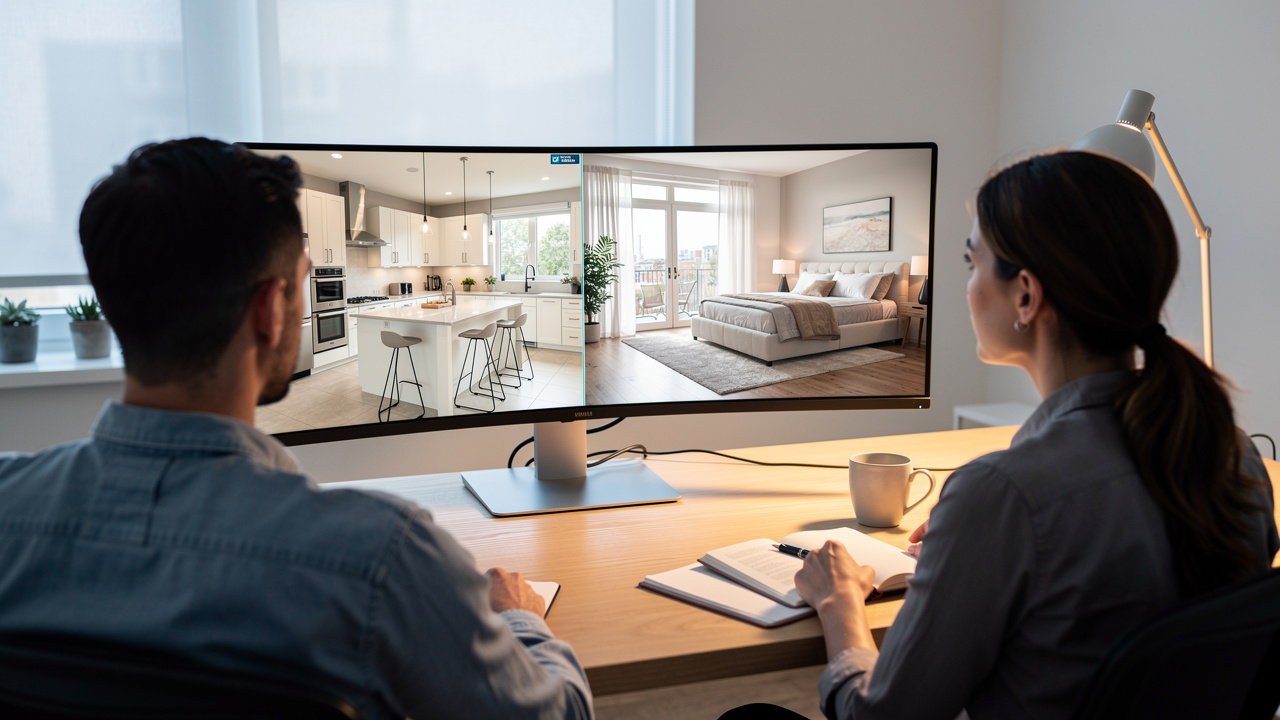
TeliportMe, CloudPano, and Panoee are the top choices for most real estate agents selecting virtual tour software in 2026, and choosing between them starts with your business model, not features on a pricing page. The same platform rarely suits a solo agent on a tight budget, a property management company with hundreds of units, and a PropTech developer building a full platform. Clear self‑assessment makes all the difference.
Start by listing your average number of active listings, plus how many rentals or projects you expect in the next year. Then look at hardware comfort. If you do not want to invest in expensive cameras, hardware agnostic platforms such as TeliportMe, CloudPano, and Panoee give you far more room to grow. Between them, they cover many price points.
Do not forget team structure and client type. Brokerages and agencies usually need user roles, white‑label branding, and deeper analytics, which push them toward TeliportMe or higher CloudPano and Panoee tiers. Solo agents and small teams can often start on free plans, then step into modest paid tiers once they see consistent return from closed deals.
Expert Tip: When you trial a platform, run at least one real listing from capture to closing and track how many inquiries and showings the tour generates compared with your recent photo‑only listings.
Key Evaluation Criteria Before You Commit
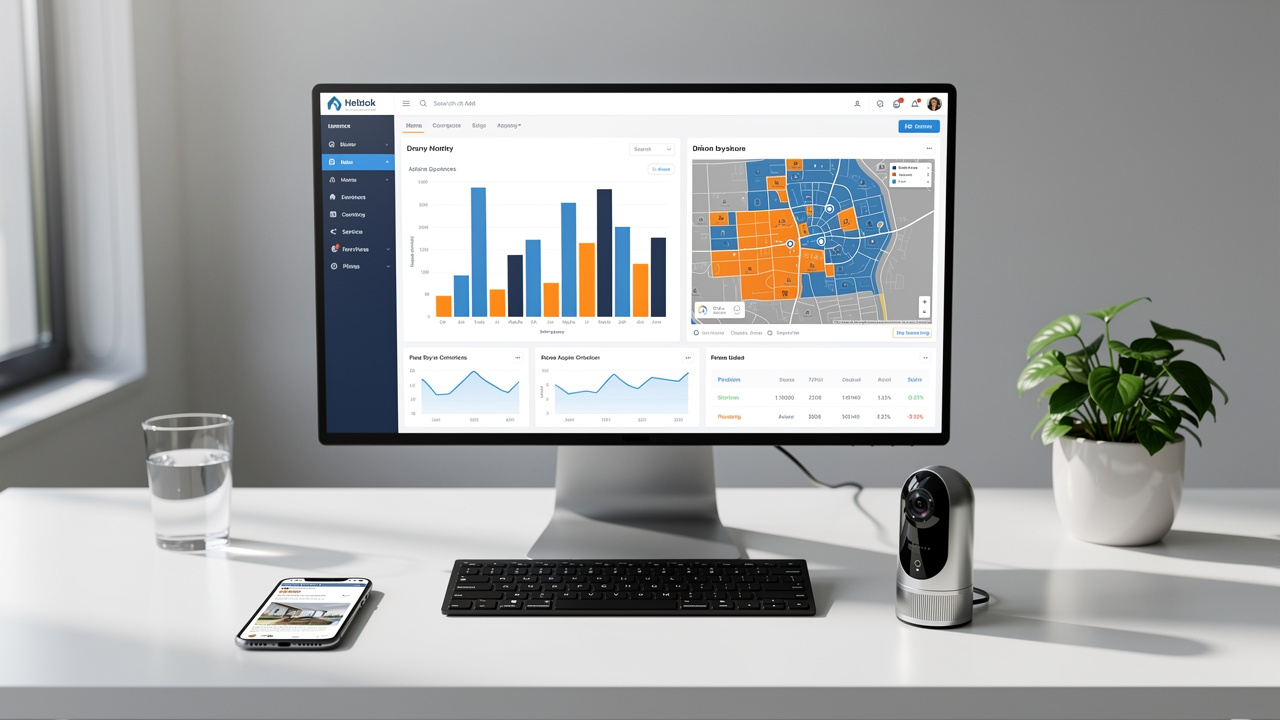
Before you commit to any platform, a few criteria deserve a close look. These points help you avoid lock‑in and buyer regret.
Tour quality and loading speed matter more than novelty effects. Crisp images that load fast on phones keep buyers engaged. Multi‑resolution rendering helps large images feel smooth instead of heavy.
Hardware flexibility protects your budget over time. Platforms that accept any 360 camera or phone keep you free to upgrade gear later. TeliportMe, CloudPano, and Panoee all follow this path.
Pricing model shapes your long‑term cost. Per‑tour pricing can feel cheap at first but grows quickly with volume. Flat monthly plans usually favor busy agents and teams.
White‑label and branding control support long‑term reputation. Custom domains and logo control keep third‑party brands out of the spotlight. Check what each tier really includes before you pay.
Data ownership affects how safe your library feels. Some vendors keep tours on their servers with no export option. Others, such as Panoee, let you export projects for self-hosting, paid per project.
Integration with MLS and portals saves time every week. Confirm how each tool works with your MLS, Zillow, Realtor.com, and others. A simple iframe embed often covers most needs.
Why Virtual Tours Are Non-Negotiable For Real Estate Agents In 2026
Virtual tours are non‑negotiable for real estate agents in 2026 because buyers and sellers now expect them as a standard service. Skipping them rarely saves money in the long run, because the missed exposure and weaker offers cost far more than any subscription.
Virtual tour capability has moved from a nice extra to a direct factor in client acquisition.
Broader tech shifts push in the same direction. The wider move toward immersive experiences make buyers more comfortable walking through homes in VR or rich 360 environments. Remote decision making, which grew during the pandemic years, now feels normal for relocation clients and international investors. In that context, the best virtual tour software for real estate agents is less about experimentation and more about basic survival.
The Right Virtual Tour Software Changes How We Sell Properties

The right virtual tour software changes how we sell properties by turning every listing into an always‑open showhome. Instead of matching schedules again and again, agents can focus on serious buyers who already spent time inside a virtual tour. That shift changes daily work and long‑term revenue.
TeliportMe stands out for teams that want one hub for many use cases, from residential listings and rentals to hotels and education spaces. Matterport still leads for luxury and high‑end commercial work where its 3D models and high polish help justify premium fees. CloudPano shines when remote showings and heavy portal distribution sit at the center of your strategy.
Budget‑focused agents and photographers benefit from Panoee's generous free plan, then move to affordable Pro tiers when custom domains and branding become important. Zillow 3D Home works as a zero‑cost start for Zillow‑heavy agents, while Ricoh 360 Tours improves photo quality for those who already own Theta cameras. When you weigh that mix against the ongoing cost of lost listings, lower offers, and longer days on market, a solid platform like TeliportMe quickly looks like a smart investment. Now is the time to pick your tool, set a simple workflow, and turn every new listing into an immersive experience.
Frequently Asked Questions
Question 1: Which Free Virtual Tour Software Suits Real Estate Agents?
The most generous stand‑alone free option for unlimited projects is Panoee, thanks to its unlimited projects, lack of watermarks, and 3 GB of storage. Zillow 3D Home is also free, but only for properties listed on Zillow. CloudPano’s free account can create tours but can’t publish them. As your volume grows, a flat‑rate plan with TeliportMe, CloudPano, or Panoee Pro usually gives better long‑term value than staying only on free plans.
Question 2: Do I Need A Special Camera To Create Virtual Tours?
You do not always need a special camera to create virtual tours. Platforms like TeliportMe, CloudPano, and Panoee accept images from almost any 360 camera or even some smartphones. Entry‑level models such as the Ricoh Theta SC2 give good quality at modest cost, while mid‑range devices like Ricoh Theta X or Insta360 raise clarity. Matterport works with phones and listed 360 cameras as well as its Pro cameras, and some other platforms can even build tours directly from 2D photos.
Question 3: How Do Virtual Tours Integrate With Zillow And MLS Platforms?
Virtual tours integrate with Zillow and MLS platforms mainly through links or embed codes. Most providers give you a shareable URL and an iframe snippet that you paste into your MLS listing or website. TeliportMe tours have an unbranded MLS link and embed on any website, but you should still confirm exact rules with your local board.
Question 4: Can Virtual Tour Software Help Me Win More Listing Appointments?
Yes, virtual tour software can help you win more listing appointments. When you present a clear plan that includes high‑quality tours, data on views and engagement, and remote open houses, you signal serious marketing effort. That message often sets you apart from competitors who rely only on photos.
Question 5: What Is The Difference Between Hardware-Dependent And Hardware-Agnostic Virtual Tour Platforms?
Hardware‑dependent platforms tie their strongest features to specific cameras, which often cost thousands of dollars. Matterport is the best‑known example, pairing its Pro series cameras with rich 3D models and accurate measurements. Hardware agnostic platforms such as TeliportMe, CloudPano, and Panoee work with many 360 cameras and even phones. They let you upgrade gear on your own schedule, which usually gives better value for most real estate agents.
Question 6: How Much Does Virtual Tour Software Typically Cost For Real Estate Agents?
Virtual tour software for real estate agents ranges from free to a few hundred dollars per month. TeliportMe plans start at $19 a month billed yearly, or $25 month to month. Panoee's free tier and Zillow 3D Home give true zero‑cost starting points, and CloudPano’s free account can create tours, though not publish them. The best value depends on how many listings you market each year and how important features like white‑label branding, analytics, and team access are for your business.
See a TeliportMe tour
Drag to look around, tap the arrows to move between rooms.